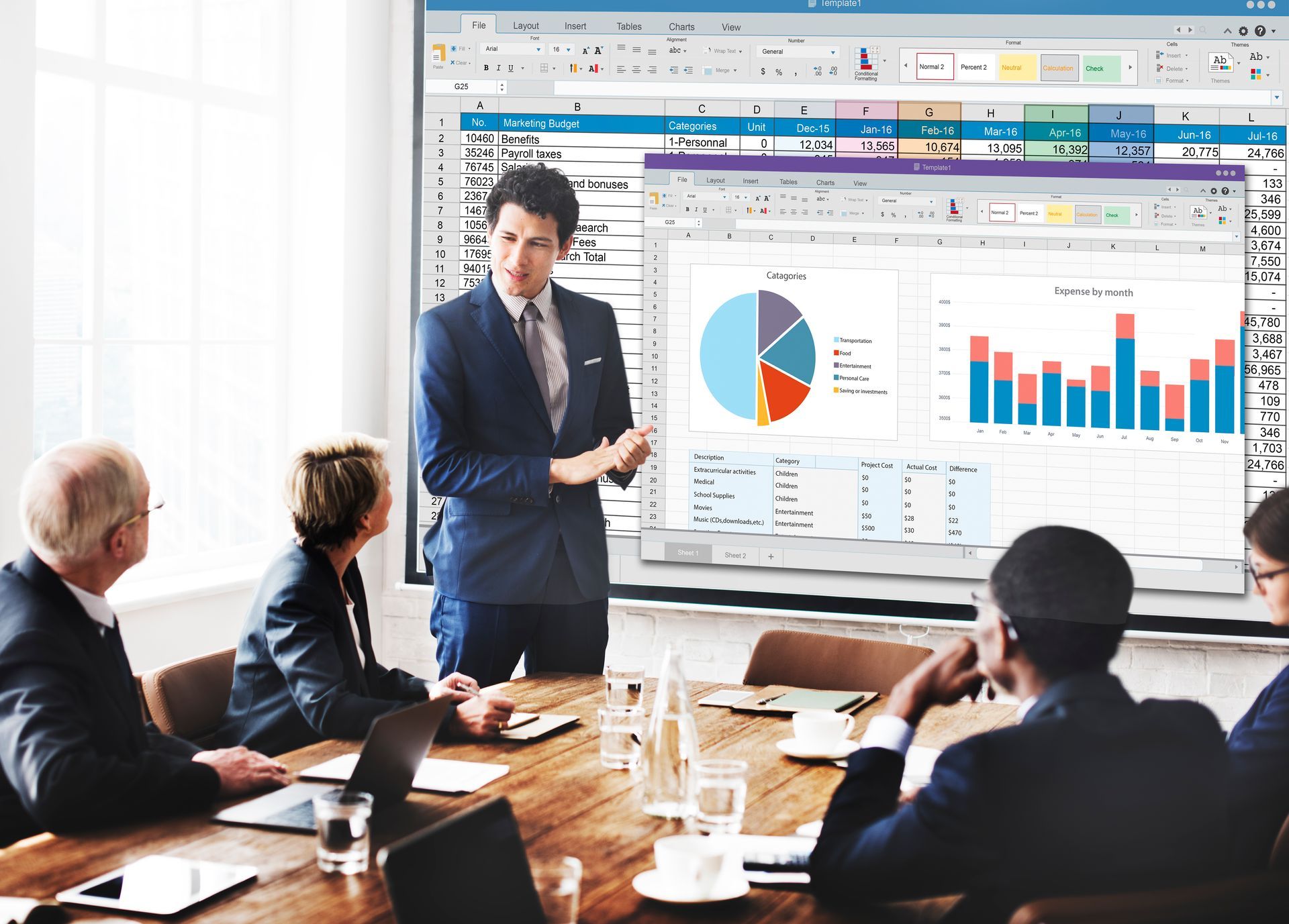
Microsoft Excel Basic to Advance 3D

Craig Chang
Duration
3 Days
Time Schedule
Time - 9:00am to 5:00pm
Break - 10:30am to 10.45am and 3:15pm to 3:30pm
Lunch - 1:00pm to 2:00pm
Prerequisites
None / minimal Excel exposure
Learning Objectives
▪ Participants will build confidence in using Excel for basic data handling and reporting. (Microsoft Excel: Basic)
▪ Enable participants to clean, process, and analyze data effectively (Microsoft Excel: Intermediate)
▪ Equip participants with tools to analyze data, automate workflows, and build decision-support models (Microsoft Excel: Advance)
Learning Outcomes
1.Basic
▪ Enter, format, and organize data
▪ Use basic formulas
▪ Create simple charts
2.Intermediate
▪ Use key functions for automation
▪ Clean messy datasets
▪ Organize and summarize data
▪ Create meaningful report
3.Advance
▪ Analyze large datasets
▪ Build dynamic reports
▪ Automate calculations
▪ Perform scenario analysis
Methodology
▪ 30% explanation
▪ 70% hands-on (Personal expense tracker)
Target Audience
This course is designed for Clerks, Officers, Executives, Supervisors, Administrators, Managers of all levels; and personnel who already know and understand basic concept of Microsoft Excel.
Course Outline
Day 1 – Microsoft Excel: Basic
9.00AM – 10.30AM
LESSON 1 – Excel Basics & Interface
•Understanding the Excel interface
•Workbook and worksheet concepts
•Basic navigation and shortcuts
10.45AM – 11.45AM
Lesson 2 – Basic Functions (Simplified)
•Entering functions
•AutoSum
•SUM, AVERAGE, MIN, MAX
11.45AM – 1.00PM
Lesson 3 – Formatting Essentials
•Text formatting
•Row & column formatting
•Number formatting
2.00PM – 3.00PM
Lesson 4 – Cell Referencing
•Relative vs Absolute ($)
3.00PM – 4.00PM
Lesson 5 – Organizing Data (Basic)
•Sorting
•Basic filtering
4.00PM – 5.00PM
Lesson 6 – Charts (Basic)
•Creating column / Pie charts
•Basic chart elements
Day 2 – Microsoft Excel: Intermediate
9.00AM – 10.15AM
Lesson 1 - Functions Refresher
•Entering functions
•AutoSum (quick recap)
10.30AM – 11.30AM
Lesson 2 - Core Functions (The Real Intermediate Core)
❖Logical
•IF, IF + AND/OR
❖Text
•LEFT, RIGHT, MID
•TRIM
❖Date & Time
•TODAY, NOW
❖Lookup
•VLOOKUP
•XLOOKUP (intro)
11.30AM – 1.00PM
Lesson 3 - Working with Tables
•Create & format tables
•Structured references
•Using functions in tables
2.00PM – 3.15PM
Lesson 4 - Sorting, Filtering & Subtotal
•Multi-level sort
•Advanced filter basics
•Subtotals
3.30PM – 4.00PM
Lesson 5 - Conditional Formatting
•Highlight rules
•Logic-based formatting
4.00PM – 4.30PM
Lesson 6 - Charts for Reporting
•Combo charts
•Chart customization
4.30PM – 5.00PM
Lesson 7 - Named Ranges & Cross-Sheet Calculations
•Naming ranges
•Basic cross-sheet formulas
Day 3 – Microsoft Excel: Advance
9.00AM – 10.00AM
Lesson 1 – Pivot Tables & Pivot Charts (CORE)
•Creating PivotTables
•Field layout
•Grouping
•Slicers
•Pivot Charts
10.00AM – 11.00AM
Lesson 2 – Advanced Data Analysis Tools
❖Trend Analysis
•Trendlines
•Sparklines
11.00AM – 12.00PM
Lesson 3 – Data Validation & Workflow Control
•Dropdown lists
•Input restriction 12.00PM – 1.00PM
Lesson 4 – What-If Analysis (Curated, not overloaded)
•Goal Seek
•Scenario Manager
•Data Tables (basic)
2.00PM – 3.00PM
Lesson 5 – Working with Multiple Workbooks
•Linking workbooks
•Consolidating data
3.00PM – 3.30PM
Lesson 6 – Importing Data
•From text files
•From web
3.45PM – 4.15PM
Lesson 7 – Auditing & Error Checking
•Trace precedents/dependents
•Watch window
4.15PM – 4.30PM
Lesson 8 – Protection & Collaboration
•Protect worksheets/workbooks
4.30PM – 5.00PM
Lesson 9 – Macros
•What is a Macro?
•Recording a simple Macro
Related Course
Guy Hawkins
President of Sales

Guy Hawkins
President of Sales

Guy Hawkins
President of Sales

Guy Hawkins
President of Sales

Guy Hawkins
President of Sales

Guy Hawkins
President of Sales

Guy Hawkins
President of Sales

Guy Hawkins
President of Sales

Guy Hawkins
President of Sales

Guy Hawkins
President of Sales

Guy Hawkins
President of Sales

Guy Hawkins
President of Sales

Guy Hawkins
President of Sales

Guy Hawkins
President of Sales

Contact Us for Your Training Needs Now
Let us be the compass that guides you to skill mastery! Whether you're a novice or seasoned enthusiast, we will ensure a seamless and enriching learning experience for you.
Contact Form- ESG
We will get back to you as soon as possible.
Please try again later.
Guy Hawkins
President of Sales

Guy Hawkins
President of Sales

Guy Hawkins
President of Sales

Guy Hawkins
President of Sales

Guy Hawkins
President of Sales

Guy Hawkins
President of Sales

Guy Hawkins
President of Sales

Guy Hawkins
President of Sales

Guy Hawkins
President of Sales

Guy Hawkins
President of Sales

Guy Hawkins
President of Sales

Guy Hawkins
President of Sales

Guy Hawkins
President of Sales

Guy Hawkins
President of Sales

Ready for Impact?
Develop your people based on your company desired competencies with our immersive learning methods